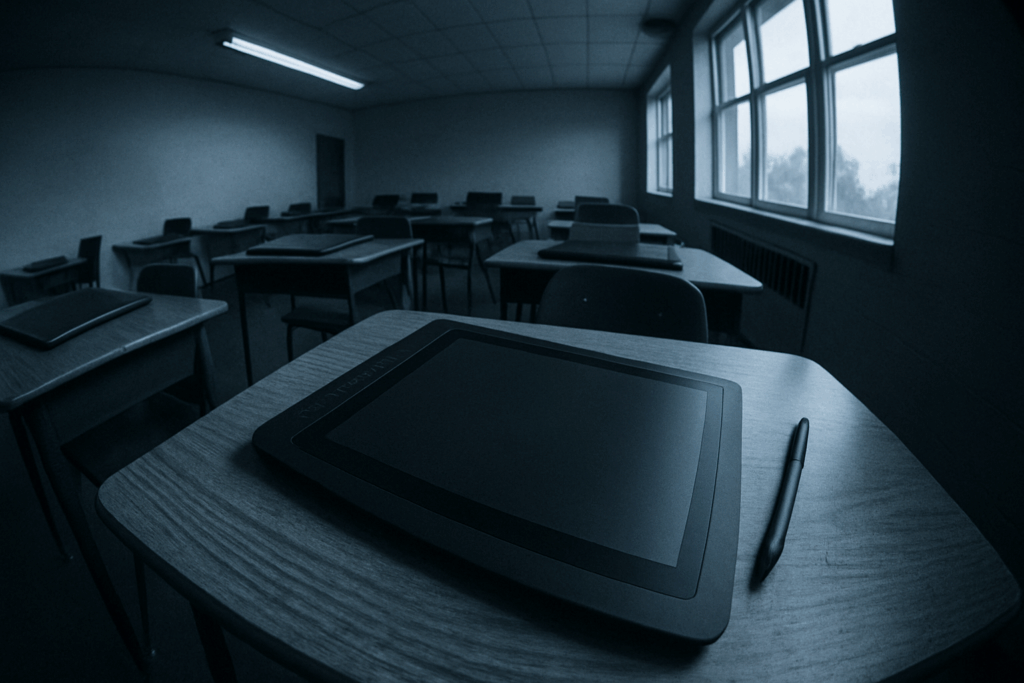
What Creative Pros Need in 2026
In a rapidly evolving creative landscape, choosing the right tablet means understanding how each feature impacts real world work. Whether you’re editing 6K video, illustrating large scale concept art, or managing multi layered design files, every spec matters.
Performance That Keeps Up
For today’s creatives, lag is non negotiable. The ideal tablet should handle high resolution projects with seamless speed:
High end CPUs and GPUs for editing large files or rendering effects without slowdowns
Ample RAM (at least 8GB, ideally 16+GB) to manage multiple creative apps simultaneously
Thermal efficiency to maintain peak performance during intensive sessions
Stylus Precision and Responsiveness
The pen isn’t just an accessory it’s a creative extension. Top tier tablets now offer:
Low latency stylus response for near instant ink to screen feedback
Pressure sensitivity and tilt recognition for accurate brush control
Magnetically attached or wireless charging pens for convenience on the go
Display Matters More Than Ever
A beautiful display does more than look good it ensures color accurate and detailed work:
Color accuracy (DCI P3 or AdobeRGB support) for print perfect design
High refresh rates (90Hz or 120Hz+) for smooth interaction and real time drawing
Larger screen sizes with minimal bezels for maximum canvas area
Software Flexibility and the App Ecosystem
What apps a tablet supports and how flexible the OS is can make or break your workflow:
Native support for pro grade creative apps (Adobe CC, Procreate, Final Cut Pro, Clip Studio Paint)
Cross platform file compatibility and cloud syncing
Desktop level multitasking with features like resizable app windows, split screen, and keyboard/mouse support
Ultimately, the best tablet for you in 2026 should align with your creative style, preferred apps, and how mobile or modular your setup needs to be.
Apple iPad Pro (M4 Chip)
Apple’s new iPad Pro with the M4 chip pushes tablet performance into desktop territory. Whether you’re editing 6K video, sketching in ultra high resolution, or stacking layers in Procreate, the M4 handles it without breaking a sweat. This isn’t just a spec bump it’s a full leap in what mobile hardware can do.
Apple Pencil 3 integration is more than polished it’s surgical. With haptic feedback and hover sensitivity, the stylus feels less like a tool and more like an extension of your hand. Drawing, annotating, and navigating are tighter, more immediate.
The display holds its weight with a 120Hz mini LED panel that delivers true blacks, punchy highlights, and color accuracy tuned for professionals. It looks good in any lighting condition, and scrolls as smooth as it draws.
Apps like Final Cut Pro and Procreate have been retooled to squeeze every drop from the M4. They run natively and lean into the chip’s horsepower, making workflows that once required a MacBook feel right at home on a tablet.
Still, there are caveats. The iPad Pro is expensive the price of entry is steep, especially if you want maxed specs and accessories. iPadOS, while evolving, still makes file management clunky for power users who need deeper system access. At the end of the day, it’s a powerhouse with some friction points. But for creators in the Apple ecosystem, it’s a mobile workhorse that almost makes laptops optional.
Samsung Galaxy Tab S10 Ultra
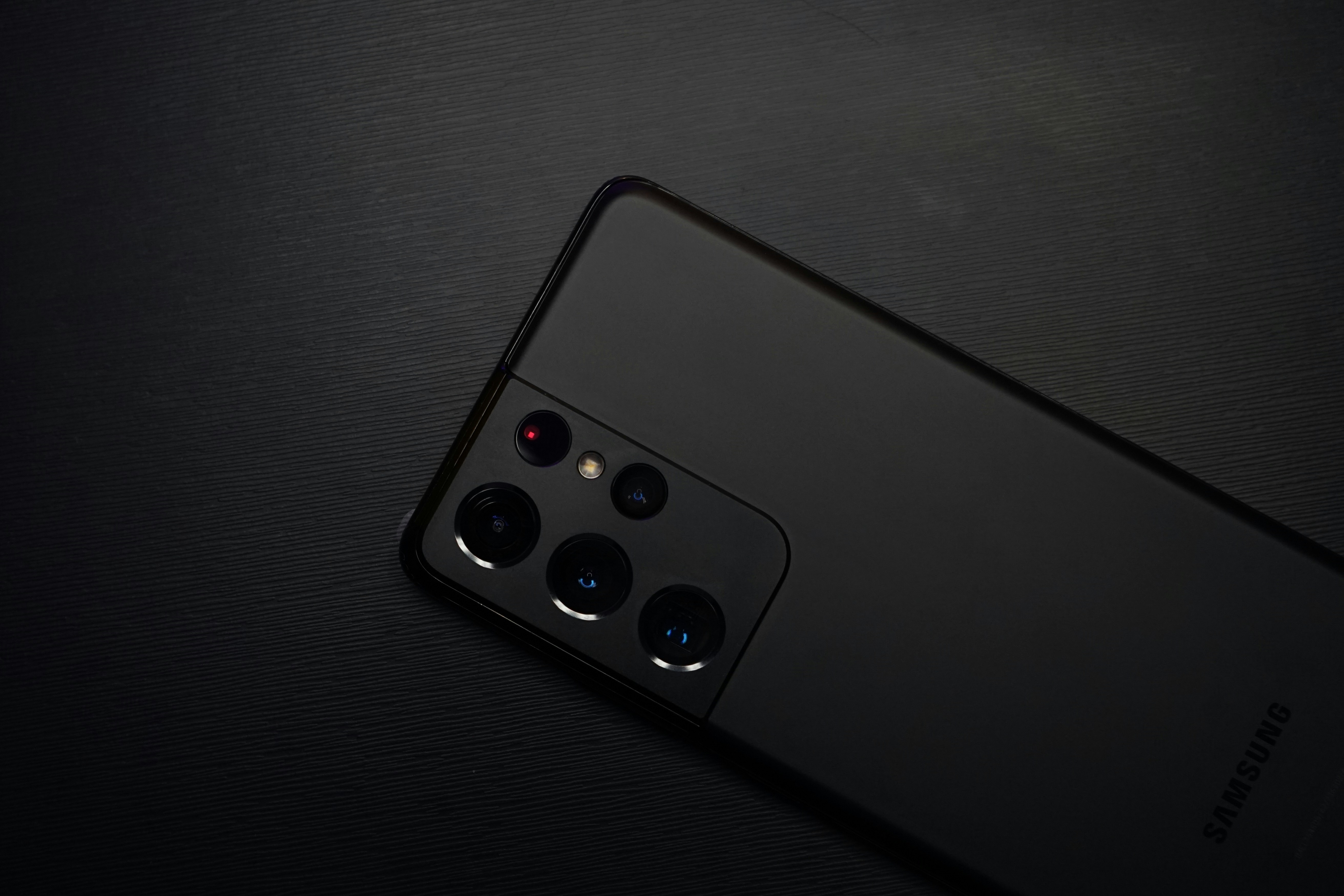
A heavy hitter in the Android creative space, the Samsung Galaxy Tab S10 Ultra offers a balance of power, precision, and flexibility for designers, illustrators, and visual content creators.
Why It Works for Creatives
Top tier AMOLED Display
Samsung continues to lead with its vibrant, high resolution AMOLED screen. For creatives, that means sharper contrast, deep blacks, and vivid color accuracy perfect for editing photos, sketching, or video grading.
S Pen Precision
The S Pen offers low latency input and excellent pressure sensitivity, making sketching, retouching, and annotation fluid and natural. Unlike some competitors, the S Pen is included with the device no extra cost.
Multitasking with DeX Mode
Samsung DeX brings a desktop like environment when connected to a monitor or used in tablet mode, allowing you to run multiple apps with resizable windows. Ideal for creators who need to refer to mood boards, edit media, and take notes all simultaneously.
Expandable Storage
Unlike Apple’s iPads, the Tab S10 Ultra supports microSD cards. Creators can carry large libraries of works in progress or raw assets without worrying about internal storage limits.
App Ecosystem Flexibility
Android offers impressive customization and supports a wide range of creative apps from full featured drawing tools to niche productivity utilities. It’s especially attractive for creators who don’t rely on Apple only programs.
Trade offs to Consider
Android’s Creative App Gap
While Android has made major strides, it still can’t quite compete with Apple’s pro grade creative suite. Flagship apps like Procreate, Final Cut Pro, and Logic Pro remain exclusive to iPadOS, which might be a deal breaker for some.
For a broader look at flagship devices, see our full comparison guide: iPhone vs. Galaxy: Which Flagship Phone Dominates in 2026
Microsoft Surface Pro 11
If you need a machine that blends full desktop muscle with tablet flexibility, the Surface Pro 11 makes a solid case. It’s a true 2 in 1 running full Windows 11, which means native access to heavy duty creative apps like Adobe Premiere Pro, Photoshop, and Blender without compromise or workarounds.
The stylus experience is dialed in responsive, balanced, and tuned for precision work. Paired with a sharp display and full app ecosystem, it hits the mark for creators who aren’t just sketching ideas but executing full production workflows. Whether it’s editing a 4K vlog, batch processing RAW images, or building detailed digital illustrations, Surface Pro handles it head on.
Connectivity is another win. With USB C and Thunderbolt ports, you get full access to pro peripherals: external drives, 4K monitors, audio interfaces you name it.
That said, this isn’t a featherweight tablet. It has some heft, and while the battery life is decent, it doesn’t outlast the likes of the iPad Pro. But for creators who need a true hybrid one foot in the office, one in the studio it’s a workhorse that doesn’t flinch.
Wacom MobileStudio Pro 16 (2026 Edition)
Wacom’s MobileStudio Pro 16 isn’t for the casual doodler it’s a heavy duty tool built by and for professional digital artists. You get industry leading pen pressure sensitivity and tilt recognition with the Wacom Pro Pen 3, making brushwork feel as close to real world drawing as it gets. For people who rely on control and nuance concept artists, animators, illustrators this tablet stays unmatched.
Native Windows support means it plugs straight into serious creative pipelines: Photoshop, ZBrush, Blender, full Adobe Suite no compromises. It’s not just a sketchpad, it’s a portable workstation.
The catch? It’s heavier than most tablets on this list and comes at a premium price. But if digital art is what you do day in and day out, Wacom still feels like the standard others are chasing.
Final Verdict
Picking the right tablet in 2026 isn’t just about performance it’s about choosing the tool that fits your creative rhythm.
iPad Pro is the go to for creatives tied into Apple’s ecosystem. The M4 chip is blazing fast, Apple Pencil 3 is smooth as silk, and apps like Final Cut Pro and Procreate run like clockwork. If your work lives in the Apple universe, this is your weapon of choice. Just know you’re paying a premium and file management on iPadOS still isn’t on par with desktop systems.
Galaxy Tab S10 Ultra nails the brief for Android users. Its AMOLED screen is punchy, and the S Pen is nearly lag free. You get more freedom with storage and greater app side flexibility. If you sketch, design, or edit on the go and want a bit more control over your system, this one travels light and works hard. Just be ready to deal with the fact that the app game still favors Apple.
Surface Pro 11 is for those who can’t give up full desktop apps. It runs Windows 11, supports top tier design software like Adobe CC and Blender, and turns into a full workstation when needed. It’s not as thin or light as a typical tablet, and the battery takes a hit but for hybrid work and creative flexibility, it’s unmatched.
Wacom MobileStudio Pro 16 still holds the crown for illustrators and digital painting specialists. The pen experience is unrivaled, with fine pressure sensitivity and tilt support that’s still leagues ahead. It’s a niche tool, not cheap, and it’s bulkier. But for artists who demand precision and are deep into illustration workflows, Wacom still delivers like nothing else.
Bottom line: Don’t chase labels chase workflow fit. Your best creative tool is the one that works the way you do.
 Carol Hartmansiner writes the kind of gadget reviews and comparisons content that people actually send to each other. Not because it's flashy or controversial, but because it's the sort of thing where you read it and immediately think of three people who need to see it. Carol has a talent for identifying the questions that a lot of people have but haven't quite figured out how to articulate yet — and then answering them properly.
They covers a lot of ground: Gadget Reviews and Comparisons, Latest Tech News and Innovations, Practical Tech Tips, and plenty of adjacent territory that doesn't always get treated with the same seriousness. The consistency across all of it is a certain kind of respect for the reader. Carol doesn't assume people are stupid, and they doesn't assume they know everything either. They writes for someone who is genuinely trying to figure something out — because that's usually who's actually reading. That assumption shapes everything from how they structures an explanation to how much background they includes before getting to the point.
Beyond the practical stuff, there's something in Carol's writing that reflects a real investment in the subject — not performed enthusiasm, but the kind of sustained interest that produces insight over time. They has been paying attention to gadget reviews and comparisons long enough that they notices things a more casual observer would miss. That depth shows up in the work in ways that are hard to fake.
Carol Hartmansiner writes the kind of gadget reviews and comparisons content that people actually send to each other. Not because it's flashy or controversial, but because it's the sort of thing where you read it and immediately think of three people who need to see it. Carol has a talent for identifying the questions that a lot of people have but haven't quite figured out how to articulate yet — and then answering them properly.
They covers a lot of ground: Gadget Reviews and Comparisons, Latest Tech News and Innovations, Practical Tech Tips, and plenty of adjacent territory that doesn't always get treated with the same seriousness. The consistency across all of it is a certain kind of respect for the reader. Carol doesn't assume people are stupid, and they doesn't assume they know everything either. They writes for someone who is genuinely trying to figure something out — because that's usually who's actually reading. That assumption shapes everything from how they structures an explanation to how much background they includes before getting to the point.
Beyond the practical stuff, there's something in Carol's writing that reflects a real investment in the subject — not performed enthusiasm, but the kind of sustained interest that produces insight over time. They has been paying attention to gadget reviews and comparisons long enough that they notices things a more casual observer would miss. That depth shows up in the work in ways that are hard to fake.