What Budget Buyers Really Need in 2026
When shopping for a laptop under a tight budget, it’s tempting to only look at price tags. But the best value comes when performance, reliability, and usability all meet at the right point.
Performance vs. Price: Striking the Right Balance
Not all budget laptops are created equal. Even at lower price ranges, the difference in processors, memory, and storage makes a noticeable impact on daily use.
Avoid the cheapest option if you’re doing more than basic browsing.
Focus on laptops with modern processors (Intel Core i3/i5 12th Gen and up or AMD Ryzen 5 5000 series and up).
For smooth multitasking, start with at least 8GB of RAM.
A 256GB SSD is a baseline; 512GB is best if you handle media or large files regularly.
Ideal Specs for Everyday Tasks
Whether you’re taking notes, writing papers, participating in virtual meetings, or running productivity apps like Microsoft Office or Google Workspace:
RAM: 8GB minimum, 16GB ideal for long term use.
Storage: SSDs are a must faster and more efficient than traditional hard drives.
Processor: Look for U series Intel Core or AMD Ryzen CPUs for balanced power and battery use.
Why Display Quality and Battery Life Matter
Laptop screens are your primary workspace and battery life dictates your portable freedom.
Display: Prioritize Full HD (1920×1080) resolution; avoid 1366×768 screens.
Brightness: Look for at least 250 nits if you’ll work in well lit areas.
Battery Life: Go for 8+ hours as a realistic target to get through a college or workday without needing a charge.
Choosing the Right OS: Windows, macOS, or ChromeOS?
Each operating system has its strengths depending on your needs:
Windows: Most versatile, compatible with almost all apps and hardware.
macOS (on refurbished older MacBooks): Great for creatives and students in Apple centered ecosystems.
ChromeOS: Light, secure, and perfect for cloud based workflows. Excellent for students who mostly use Google Docs, drive, and streaming platforms.
Bottom Line: Don’t just chase low costs; focus on features that support your daily tasks and future proof your workflow. A well chosen budget laptop can last several years without feeling like a compromise.
Acer Aspire 5 (2026 refresh)
If your priorities are raw performance and price efficiency, the Acer Aspire 5 (2026 edition) should be high on your list. Powered by the new Intel Core i5 14450U, this machine punches above its price tag in everyday workloads think web browsing, spreadsheets, light photo editing, and plenty of tabs open at once. It holds its own when running multiple apps thanks to its rock solid cooling system, which is surprisingly effective for a budget laptop.
This model gives you space to grow. You can upgrade the RAM and storage later, which is rare in this price range. That flexibility alone adds shelf life a key win for students or freelancers who need the machine to evolve with their workload.
In simple terms: this is a no drama, workhorse laptop that doesn’t burn your wallet.
Best Overall Value for Students
When you’re a student, your laptop needs to do much more than just open a browser tab. From attending Zoom classes to writing research papers and managing dozens of open tabs late into the night, the ideal student laptop is equal parts durable, efficient, and easy to carry.
What Makes a Laptop Student Friendly?
To get the best value as a student, look for a balance between performance and practicality. Here’s what to prioritize:
All day battery life
Aim for 8+ hours to avoid hunting for outlets during long campus days
Lightweight design
Portability is key for walking between lectures, group study sessions, and libraries
Reliable performance
Mid tier processors (like Ryzen 5 or Intel i5) are more than enough for everyday tasks like writing, streaming, and handling coursework apps
Prioritize Cloud Integration
With many schools and universities shifting toward online tools and platforms, cloud storage has become essential.
Google Drive, OneDrive, or Dropbox make file access seamless across devices
Sync assignments, notes, and media easily no USB transfer needed
Top Use Cases for Student Laptops
Note taking and writing assignments
Running lightweight tasks like spreadsheets or presentation tools
Streaming lectures or online tutorials
Cloud based collaboration with classmates
For students balancing early mornings, late nights, and a full digital workload, laptops under $600 can still meet all your needs if you focus on battery life, weight, and smart tech features.
Best for Freelancers & Remote Workers
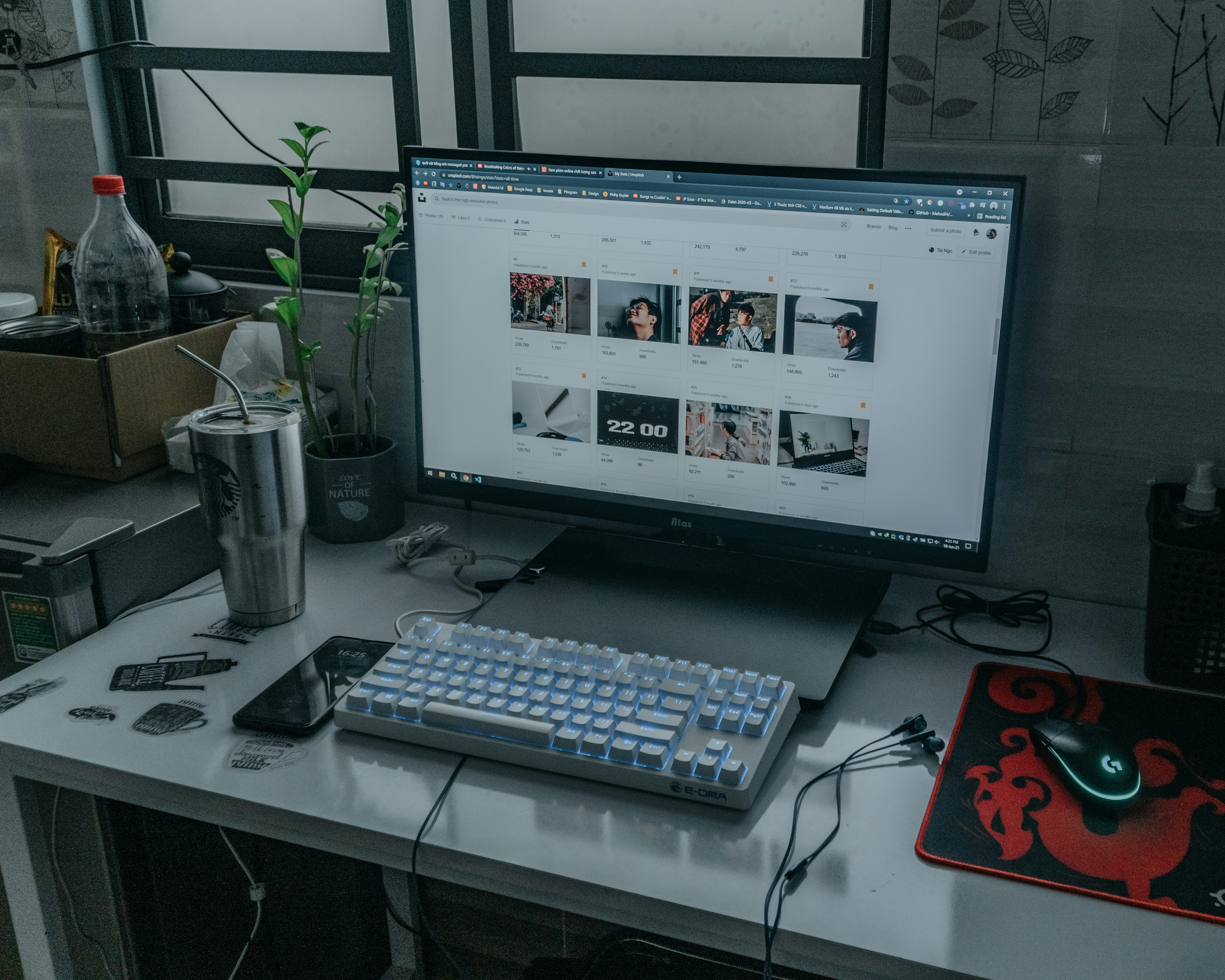
If you work from coffee shops, co working spaces, or your kitchen table, your laptop has to keep up. That means three things: portability, a solid webcam, and enough power to handle real work not just web browsing and light docs.
Look for machines that weigh under 3.5 pounds and have all day battery life (8+ hours). A decent 1080p webcam makes a big difference in video meetings, especially if you’re pitching clients or leading calls. Internals matter too the sweet spot is at least 16GB RAM and a mid tier CPU like an Intel Core i5 or Ryzen 5.
Ports are still underrated. USB C charging is a game changer when you’re moving around all day. HDMI or DisplayPort support is a must for second screen setups. And don’t skimp on USB A if you still use thumb drives or wired peripherals. Future proofing matters when your office is wherever you open your laptop.
Matching Accessories on a Budget
You don’t need to splurge to get a setup that feels pro. A compact wireless mouse and an external keyboard can dramatically improve your productivity, especially if you’re working off a smaller laptop. Add a minimal laptop stand something foldable, ideally and you’ve got an ergonomic setup that actually lets you work or study without breaking your back.
Also, don’t ignore audio. Built in mics and speakers are passable in a pinch, but if you’re hopping on Zooms regularly or recording content for coursework, invest in earbuds or a decent mic. Bad audio gets noticed faster than bad video. For a breakdown of solid earbud options that won’t destroy your budget, check out this guide: Comparing Wireless Earbuds: Which Model Has the Best Sound.
Final Decision Making Tips
If you’re buying on a budget, think long term. A cheaper laptop that dies in a year costs you more than one that lasts three. Prioritize build quality over flashy specs metal chassis, sturdy hinges, and even a decent keyboard can make a difference in daily use.
Check the warranty. One year standard is fine, but some brands let you extend for cheap. Bonus points if the model you’re eyeing has easy access to RAM or SSD upgrades. Repairability matters, especially when you’re trying to stretch the value.
And don’t sleep on last year’s models. Tech doesn’t leap forward every twelve months. You can score massive savings on machines that are 95% as capable as their newer counterparts. Just make sure they aren’t stuck with ancient ports or terrible screens. Solid, slightly older hardware can outclass a flashy new budget dud every time.